
.svg)
Every room, every attribute, tied to the drawing
Finance asks for square footage by cost center for the Medicare cost report. Infection control asks which rooms on Floor 4 are ICRA Class III. Life safety asks which rooms sit inside Smoke Compartment 2B. Plant operations asks which rooms share Air Handler Unit Zone 7. Today, those answers live in four different spreadsheets, none of which are tied to the drawing. The Building Data Hub is the queryable per-room attribute layer that makes every drawing answer all four questions at once.
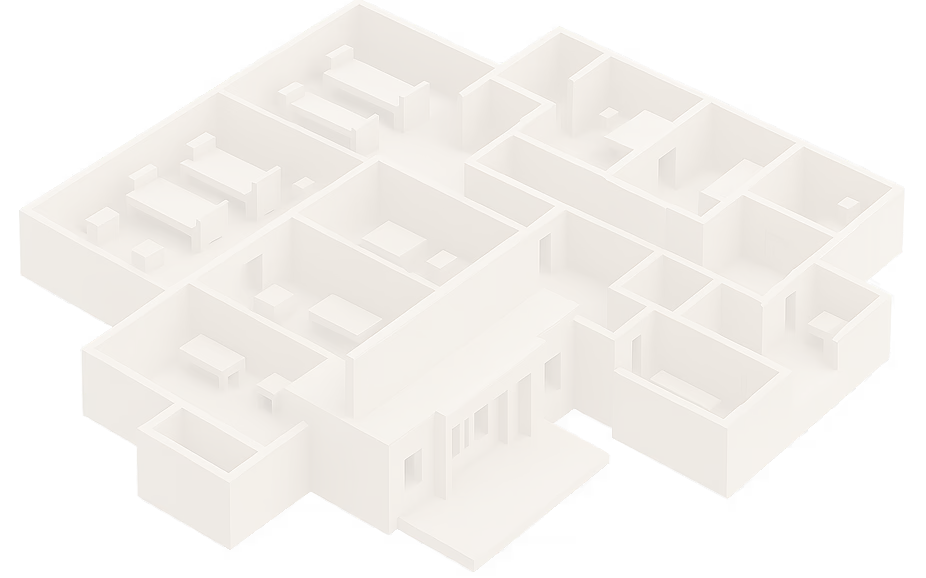

What a Building Data Hub actually means
Most facility software stores a drawing. Ruya stores the drawing and every attribute attached to every room on it. Click a room, see the data. Filter by an attribute, see the rooms light up on the plan. The same record serves finance, compliance, life safety, MEP, and construction because they're all reading from the same per-room source.
What teams ask the Building Data Hub
The Building Data Hub is the room-level data layer that sits on top of every drawing in Ruya: the **hospital facility management software** built only for healthcare. Four examples of what your teams stop doing manually:


Finance — defending the Medicare cost report
The ask: "Square footage by cost center, broken out by patient care share, by hospital."
Today: A multi-week spreadsheet reconciliation against drawings that don't agree.
With Ruya:
One click. Cost-center sq ft and patient-care share render straight from the per-room record, current with the most recent as-built.

.svg)
Infection control — preparing an ICRA before a construction permit
The ask: "Show me every Class III room on the floor where this work is happening, plus its air pressure and AHU zone."
Today: A printed plan, three highlighters, and a phone call to plant ops.
With Ruya:
Filter by ICRA level. Affected rooms light up on the drawing with their air pressure and AHU zone already attached.

.svg)
Life safety — Joint Commission survey prep
The ask: "Walk me through every smoke compartment in this building, room by room, sprinkler status confirmed."
Today: A consultant manually traces compartments off a static PDF.
With Ruya:
Filter by smoke compartment. The room list, with sprinkler zone, exports to PDF for the surveyor.

.svg)
Plant operations — AHU shutdown planning
The ask: "Before we shut down AHU 7, which rooms and which departments are affected?"
Today: A phone tree and a guess.
With Ruya:
Filter by AHU zone. Every affected room and department is on screen, including any that are negative-pressure or critical-care.
The full attribute set — cost center, department, room type, square footage, ICRA level, air pressure, air exchanges, AHU zone, exhaust zone, sprinkler zone, smoke compartment, med gas zone, and date of construction or renovation — is in the FAQ below.
With Others
Cost-center square footage lives in a spreadsheet that's out of date by the next renovation
ICRA prep means a CAD seat marking up a printed plan
Life safety survey: someone manually traces smoke compartments by hand
AHU shutdown requires a phone tree to figure out which rooms are affected
Each team owns a different spreadsheet, none agree
With the Ruya Building Data Hub
Cost-center sq ft is a one-click report, current with the most recent as-built
Filter by ICRA level; affected rooms light up on the drawing
Filter by smoke compartment, export the room list
Filter by AHU zone; the rooms and their departments are on screen
One per-room record, every team reads from it


.avif)

The challenge
Healthcare facility data is the most-asked-for, most-fragmented data in the hospital. Finance needs square footage by cost center for the CMS Medicare cost report. Infection control needs ICRA level by room before any construction permit. Life safety needs sprinkler and smoke compartment data for Joint Commission surveys. Plant ops needs AHU and exhaust zones during shutdowns. Today, every team keeps their own version. None of them are tied to the drawing. When something changes, nothing updates.
The solution
The Building Data Hub gives every room one structured record with every attribute every team needs, and ties that record to the polygon on the drawing. Click a room on a phone, see its cost center, ICRA level, air pressure, AHU zone, and smoke compartment. Filter the building by any of those attributes and watch the floor plan light up. Update once, and finance, compliance, life safety, and operations all see the change. What this is not: a CAD layer or a spreadsheet glued to a floor plan. It is the structured per-room database that makes a hospital portfolio queryable for the first time.
.avif)
The challenge
Healthcare facility data is the most-asked-for, most-fragmented data in the hospital. Finance needs square footage by cost center for the CMS Medicare cost report. Infection control needs ICRA level by room before any construction permit. Life safety needs sprinkler and smoke compartment data for Joint Commission surveys. Plant ops needs AHU and exhaust zones during shutdowns. Today, every team keeps their own version. None of them are tied to the drawing. When something changes, nothing updates.
.avif)
The solution
The Building Data Hub gives every room one structured record with every attribute every team needs, and ties that record to the polygon on the drawing. Click a room on a phone, see its cost center, ICRA level, air pressure, AHU zone, and smoke compartment. Filter the building by any of those attributes and watch the floor plan light up. Update once, and finance, compliance, life safety, and operations all see the change. What this is not: a CAD layer or a spreadsheet glued to a floor plan. It is the structured per-room database that makes a hospital portfolio queryable for the first time.
Why facility leaders choose the Ruya
Building Data Hub
.svg)
Built for the questions hospitals actually get asked.
Cost center sq ft, ICRA level, smoke compartment, AHU zone: every attribute on the list exists because a Joint Commission surveyor, a CMS cost report, or a plant operations shutdown asked for it.

Tied to the drawing, not stored beside it.
Filter by an attribute and the rooms render on the floor plan. No spreadsheet-to-CAD translation step.

One source for finance, compliance, MEP, and life safety.
Same per-room record, four different lenses. Update once.
Mobile-first.
Pull room attributes on a phone in the mechanical room or on the construction floor. Same record, same fidelity. Priced per building, not per seat: finance analysts, infection control nurses, life safety consultants, and plant ops techs are all in for free.
Real-world result — design-partner deployment
The Senior Financial Analyst told us:
"There is a yearly cost report for Medicare and Medicaid that we have to submit for our hospitals, and the amount of our square footage and the sqft dedicated to patient care affects our total reimbursement."
Square footage by cost center, and the share of it dedicated to patient care, is now a one-click report instead of a multi-week reconciliation.

— Senior Financial Analyst, 11-campus design-partner health system
Where this fits in the Ruya platform
Building Data is the per-room layer that sits on top of the drawing — meaning it depends on being the single source of record for every building. ICRA-level data drives ICRA prep before a construction permit is issued. Smoke compartment and sprinkler zone data shows up in the surveyor view of the audit binder. AHU zone data drives closed-loop maintenance scheduling around shutdowns. When a room is renovated and the per-building project trail closes out, the Maintained Active Set updates the drawing and the per-room record updates alongside it. One per-room source. Every team. Every building.
Frequently asked questions about Ruya Project Files
What is hospital Building Data?
Hospital Building Data is the structured set of attributes attached to every room on a floor plan, including cost center, department, square footage, room type, ICRA level, air pressure, air exchanges, AHU zone, exhaust zone, sprinkler zone, smoke compartment, med gas zone, and date of construction or renovation. Ruya is the hospital facility management software that stores all of these as queryable per-room records tied to the drawing.
Which teams use the Building Data Hub?
Finance (Medicare cost report, depreciation), infection control (ICRA prep), life safety (Joint Commission survey, smoke compartment audits), plant operations (AHU and exhaust shutdown planning), construction (turnover and renovation history), and compliance (med gas zone audits), all reading from the same per-room record.
Can we filter a floor plan by attribute — for example, all positive-pressure rooms or all ICRA Class III rooms?
Yes. Every attribute is a filter. Apply the filter and the matching rooms render on the drawing, with an exportable list of room numbers, departments, and square footage.
How does this connect to our Medicare cost report?
Every room carries cost center, department, room type, and square footage. The platform exports cost-center-level square footage, including the share dedicated to patient care, directly from the per-room record, so the figure that drives reimbursement is current with the most recent as-built.
What happens to the data when a room gets renovated?
The Maintained Active Set process updates the drawing as renovations close out, and the per-room record is updated alongside it, including the date of renovation, any change in room type or department, and any change in HVAC, sprinkler, or med gas zone.
How do we get our existing room data into Ruya?
Onboarding includes importing from your existing spreadsheets, CAD attribute fields, or CAFM exports. Our team handles the cleanup. We will tell you up front what's complete, what needs field verification, and what to defer.
See your project files in Ruya in 20 minutes
Book a 20-minute walkthrough → · demo@ruyacompliance.com
— Rashad Mujeebuddin, Founder, Ruya Compliance