
.svg)
For health system facility leaders — Surveyor asks which drawing is current. There's one answer
A surveyor opens the binder on Floor 3 and points to a wall that isn't on the drawing. The wall came down in a 2023 renovation. The DWG is from 2019. The PDF in the shared drive is from 2021. The architect's email has a v6, but it never came back into the file system.
You have four versions of the same floor and no single source of record. Ruya Floor Plans is the hospital floor plan software that makes the current drawing the only drawing across PDF, DWG, and Revit, on every device, for every building in the portfolio.
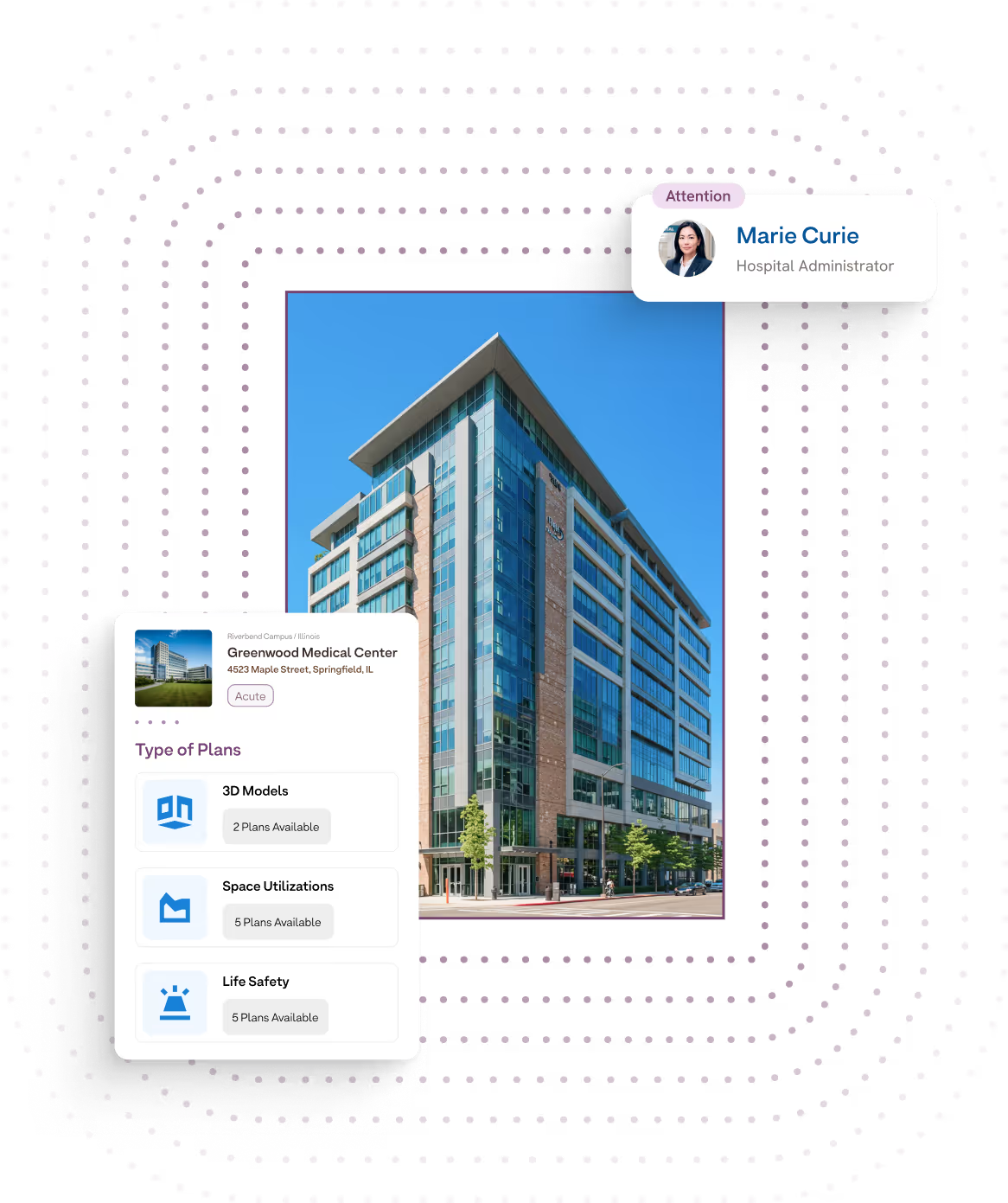
Single source of record — what the term means
A single source of record is the one drawing your team, your architects, your Life Safety consultants, and the next surveyor are all looking at, for one room, one floor, one building. Not the most recent email attachment. Not the last-known-good PDF. The current version, with every prior revision preserved underneath it, every handoff timestamped, and every change attributable to the person who made it.
Today, in most multi-building health systems, "current" is a guess. With Ruya Floor Plans, current is a state.
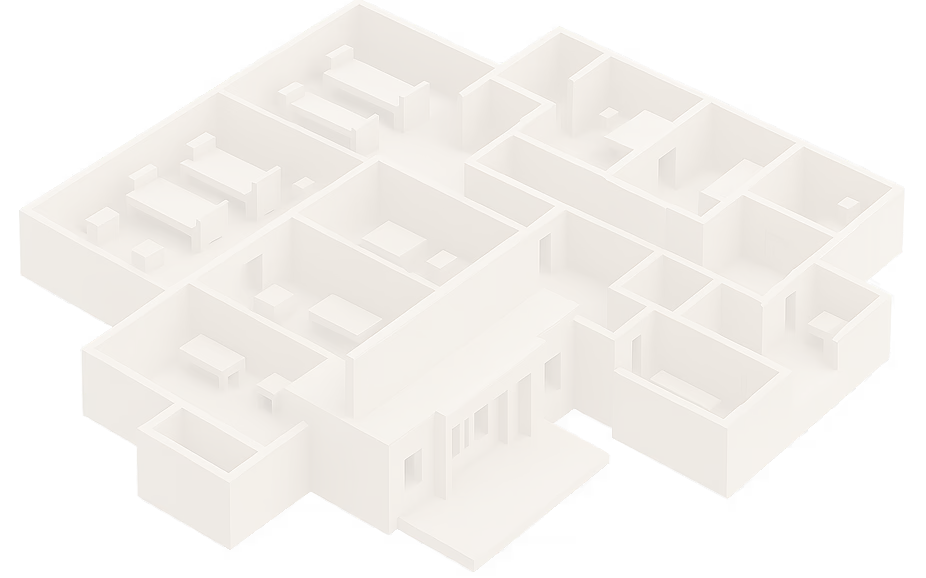

What Ruya Floor Plans covers
Built around how hospital facilities teams actually use drawings: in the field, on a phone, with a contractor on speakerphone.
- Native CAD & BIM, no plugins. View, measure, and annotate PDF, DWG, and Revit files on mobile, tablet, or desktop. Open the building, open the drawing.
- Per-building organization. Every drawing lives with its building, not in a system-wide folder tree. New facility director on Campus 4 opens the building and sees what they need.
- As-Builts tied to architectural layouts. Asset records, vendor records, inspection records, all linked back to the drawing they live on.
- the Maintained Active Set. As renovations and changes happen, the active drawing updates. Every prior version is preserved. The "current" version is always one click.
- Update Request Process. A four-step tracked workflow — Request → Architecture & Space Updates → Consultant Review → Requestor Notified — so updates stop riding email chains and start riding a system.
- Secure external access. Architects, life safety consultants, and AHJs upload and review through a scoped external portal, limited to the buildings they're contracted for.
The Update Request Process — how a change becomes the new current
This is the workflow MyMichigan Health rebuilt their drawing cycle around. Every drawing update — life safety, general floor plan, as-built — runs through the same four steps:

Request Initiated
Act By - Facility Manager
Submit an update request against a specific building, floor, and room. Attach the change order, the photo, the punch-list item, whatever triggered it.
Architecture & Space Updates
Act By - Ruya Team
Architecture and space updates are made to the source files (CAD, Revit, PDF) and queued for consultant review.
Consultant Review & Updates
Act By - Life Safety Consultants (or your architect of record)
Consultants review and upload directly inside Ruya. No inbox drops. No "which PDF did you mean?"
Requestor Notified
Drawings delivered
The new version lands as the current set. Every prior version is preserved. Every stakeholder is notified automatically.
Before vs. With Ruya Floor Plans
- Surveyor asks which drawing is current
- Renovation closes; drawings need updating
- Field tech needs the floor plan for Bldg 3, Floor 1
- Life safety consultant uploads a revision
- Tracking active update cycles across the portfolio
- Pull binder, open shared drive, search email, still hedge
- Three-month email chain: facility manager → architect → consultant → inbox
- Field tech needs the floor plan for Bldg 3, Floor 1
- Email attachment to whoever they remember
- A spreadsheet someone maintains, mostly
- One click. Current version. Audit trail underneath.
- 2–6 week tracked handoff inside Ruya
- Open the building on a phone, view the drawing, measure on screen
- Direct upload inside the workflow, version preserved
- Live count, per building, with cycle time on every one

The challenge
Health systems don't lose floor plans. They lose track of which floor plan is current. A 100-building portfolio can have thousands of drawings across PDF, DWG, and Revit; a renovation cycle can touch dozens of them; and the update path (facility manager → architect → consultant → back to the file system) was never designed to leave a record of itself. When The Joint Commission surveyor or the local AHJ asks for the current Life Safety drawing for a specific floor, the cost of guessing is real: a finding around outdated documentation, a delay on an active permit, a contractor working from a drawing that doesn't match the wall.
The solution
Why health system facility leaders choose Ruya Floor Plans
The current drawing is the only drawing. Every revision preserved underneath. Every handoff timestamped. When a surveyor asks which version is current, the answer is one click, not one afternoon of binder work.
Native CAD & BIM on a phone. PDF, DWG, Revit, viewed, measured, annotated in the field. No CAD seat for the facility tech. No "wait until I'm back at my desk" for the inspector.
Architects and consultants inside the workflow. Life Safety consultants and your architect of record upload directly inside Ruya through scoped, secure access. They work in the per-building record without sitting on your internal hospital network. They never email you a file again.
Per-building, like your portfolio actually works. Every drawing lives with its building. Every building has its own current set. System leaders see the rollup; building directors see their own house. Priced per building, not per seat: every architect, consultant, AHJ, and inspector you grant access to is included in the building's price.
Real-world result — named customer, MyMichigan Health
- Cycle time cut
- Buildings tracked
- Active drawing updates currently in flight
- Average cycle time, currently
- Drawing update cycle
- 12–24 weeks
- -
- -
- -
- -
- 2–6 weeks
- ~75%
- 100+
- 27
- 3.4 weeks
"I really like the ease of how the process works. This has been so helpful on my end."
Joan W., CHFT, Facilities Operation Supervisor, MyMichigan Health (100+ buildings)
Numbers reflect MyMichigan Health's measured cycle times across 27 active drawing updates. Prior baseline: 12–24 weeks per update via email workflow. Current: 2–6 weeks on Ruya.
Where this fits in the Ruya platform
The drawing is the foundation everything else in Ruya is anchored to. The per-room data layer in the Building Data Hub — cost center, ICRA level, AHU zone, smoke compartment — sits on top of every plan. The per-building project trail in Project Files syncs drawings to the Maintained Active Set as renovations close out. The closeout-to-closet trail in Assets and the per-building vendor record attach to the room they live in on the drawing. And when a Joint Commission surveyor reads the audit binder, the life-safety drawings they review are the same current version your facility team is looking at. One drawing. Every team. Every building.
Frequently asked
What file formats does Ruya Floor Plans support?
Ruya Floor Plans supports PDF, DWG, and Revit natively, with viewing, measurement, and annotation on mobile, tablet, and desktop — no CAD seat and no plugins. It is hospital floor plan software built for field use, not desktop use.
How does the Update Request Process work?
Every drawing update runs through four tracked steps: Request Initiated by the facility manager, Architecture & Space Updates by the Ruya team, Consultant Review & Updates by your life safety consultants or architect of record, and Requestor Notified when the new drawings are delivered. Every prior version is preserved; the current version is always one click.
Can our architects and life safety consultants upload directly?
Yes. They get scoped, secure access through an external portal — limited to the specific buildings and folders they're contracted for, with no second account in your IT system. They upload revisions directly inside the Update Request Process. The version becomes part of the single source of record the moment it lands.
How is this different from a generic document management system?
A generic healthcare document management software product treats a drawing as a file. Ruya treats it as a building artifact, tied to floor, room, asset, vendor, inspection record, and active permit. The Update Request Process exists because changes to a hospital drawing are different from changes to a contract or a policy.
Does Ruya replace our CAD or BIM tool?
No. Ruya reads what your architects produce in CAD and Revit. Your design team keeps their tools; your facilities team gets a viewer, an update workflow, and a single source of record across every building.
What does it take to get a 100-building portfolio onboarded?
Ruya offers onboarding support to organize, fix, and upload existing drawings, including in-person surveys and CAD updates where needed. A typical multi-campus rollout starts with one building as a proof, expands to the rest of the campus, then to the next campus.
See your hardest building first
Bring one building — the messiest one, the one with the most active updates. We'll show you what its drawings look like inside Ruya, and you'll leave with our **Drawing Update Cycle Map** — the four-step Update Request Process as a printable workflow you can use whether or not you choose Ruya.
[Book a 20-minute walkthrough →] (https://www.ruyacompliance.com/demo) · demo@ruyacompliance.com
— Rashad Mujeebuddin, Founder, Ruya Compliance